Designed like a real notebook.
One page for every day, ready when you open it. Use it as a diary, a planner or your daily work notes. Turn back a page, and yesterday is right where you left it.
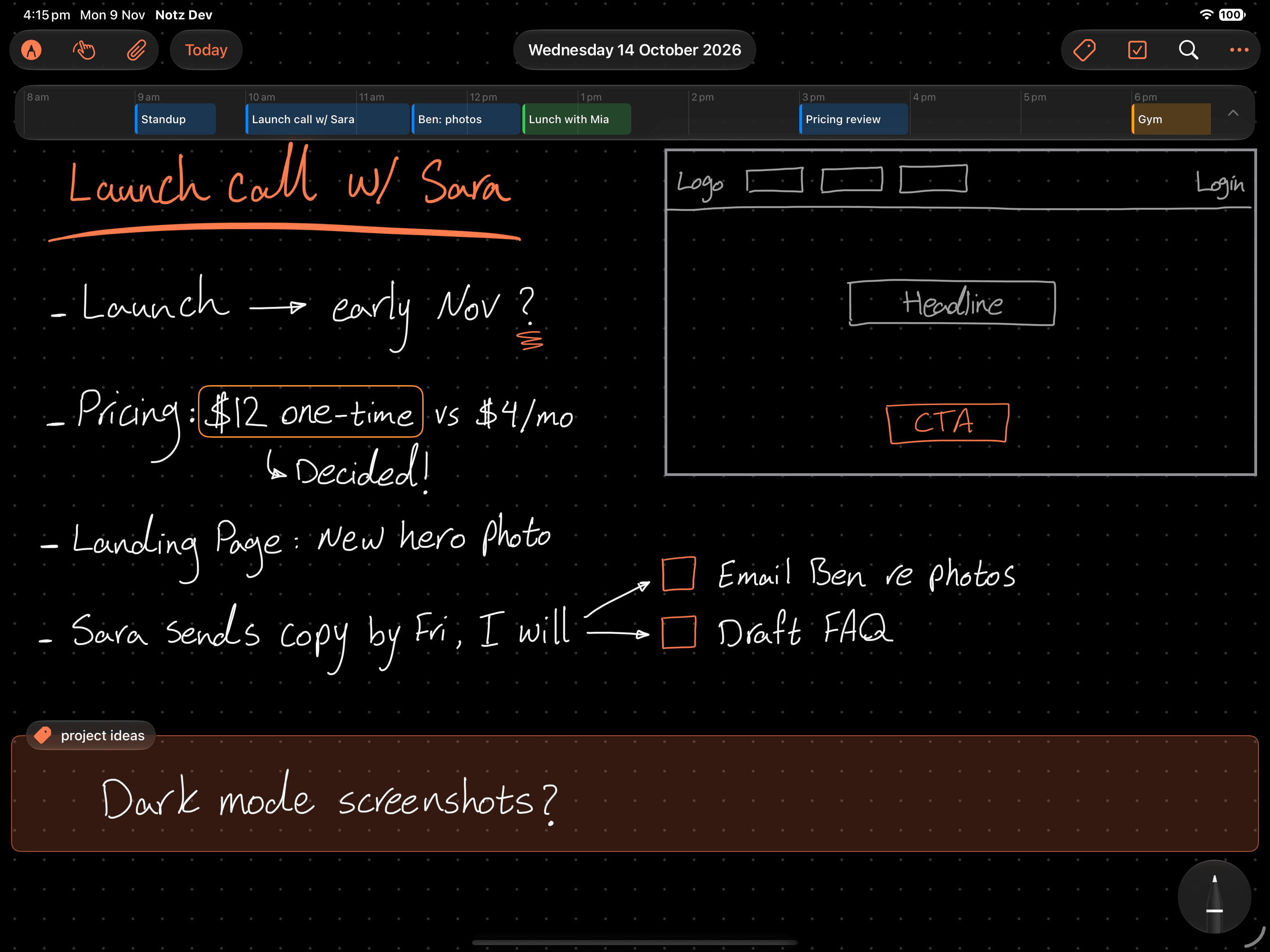


One page a day. Write with Apple Pencil, or type when you'd rather. Search everything, tag what matters, and ask Siri about your notes. Private. No subscription.
For iPad and iPhone. Requires iPadOS 27 or iOS 27.
Inside Notz
One page for every day, ready when you open it. Use it as a diary, a planner or your daily work notes. Turn back a page, and yesterday is right where you left it.
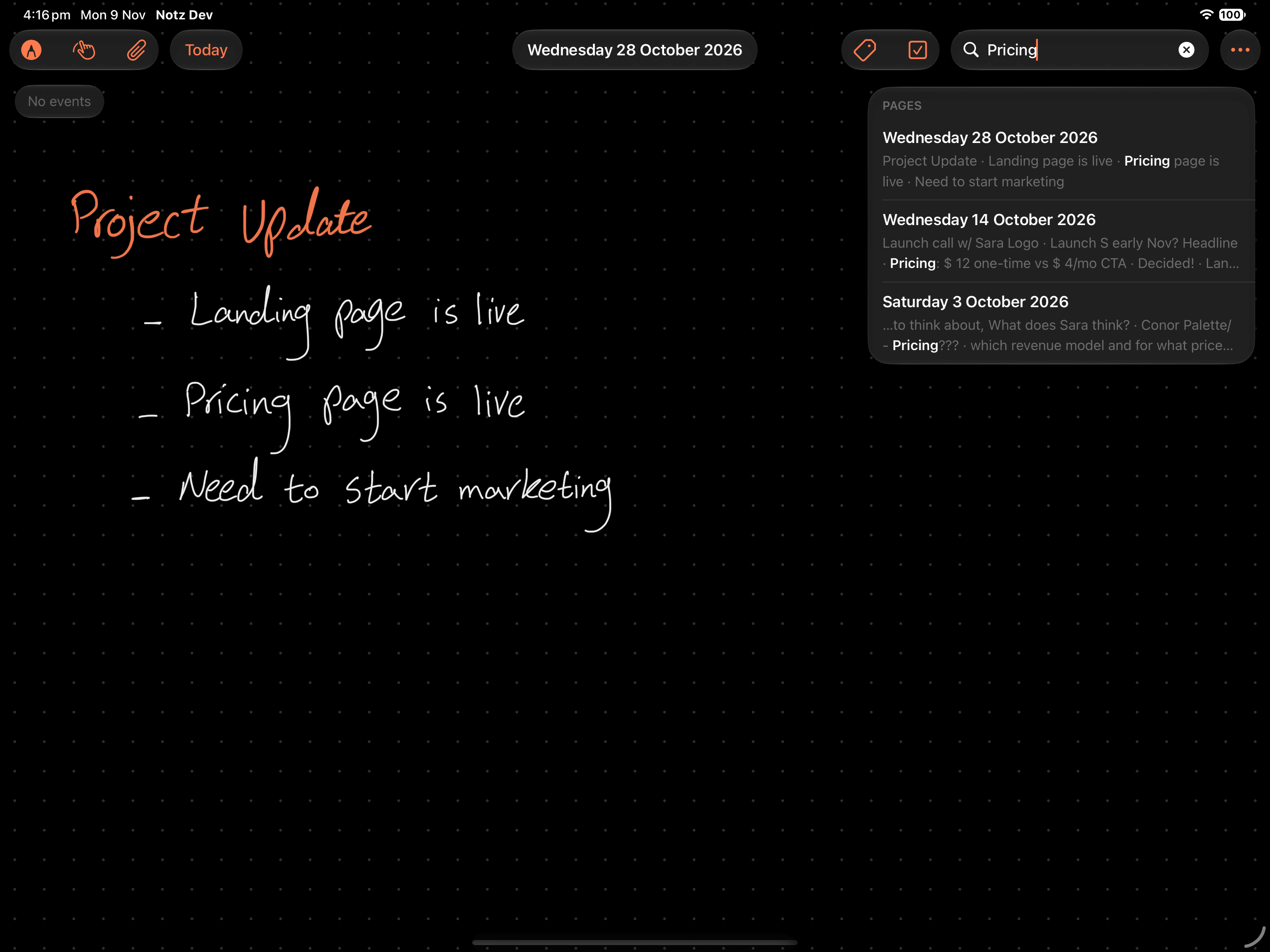
Search looks through your handwriting, your typed text and your tags, on every day. The line you scribbled five months ago is one search away.
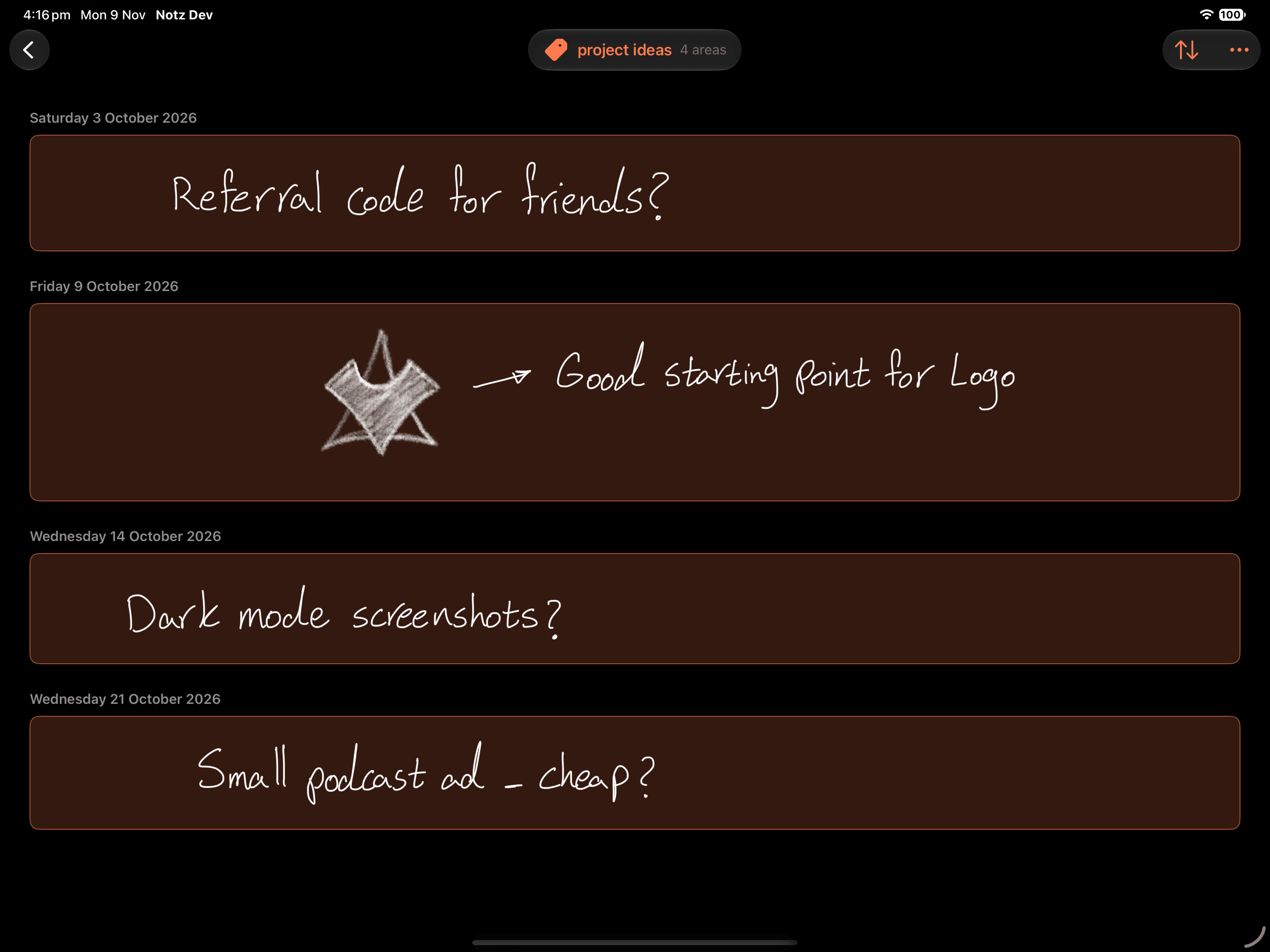
Mark part of a page with a tag. Every part with that tag, from every day, gathers on one page: ideas, gratitude, plans, all in one place.
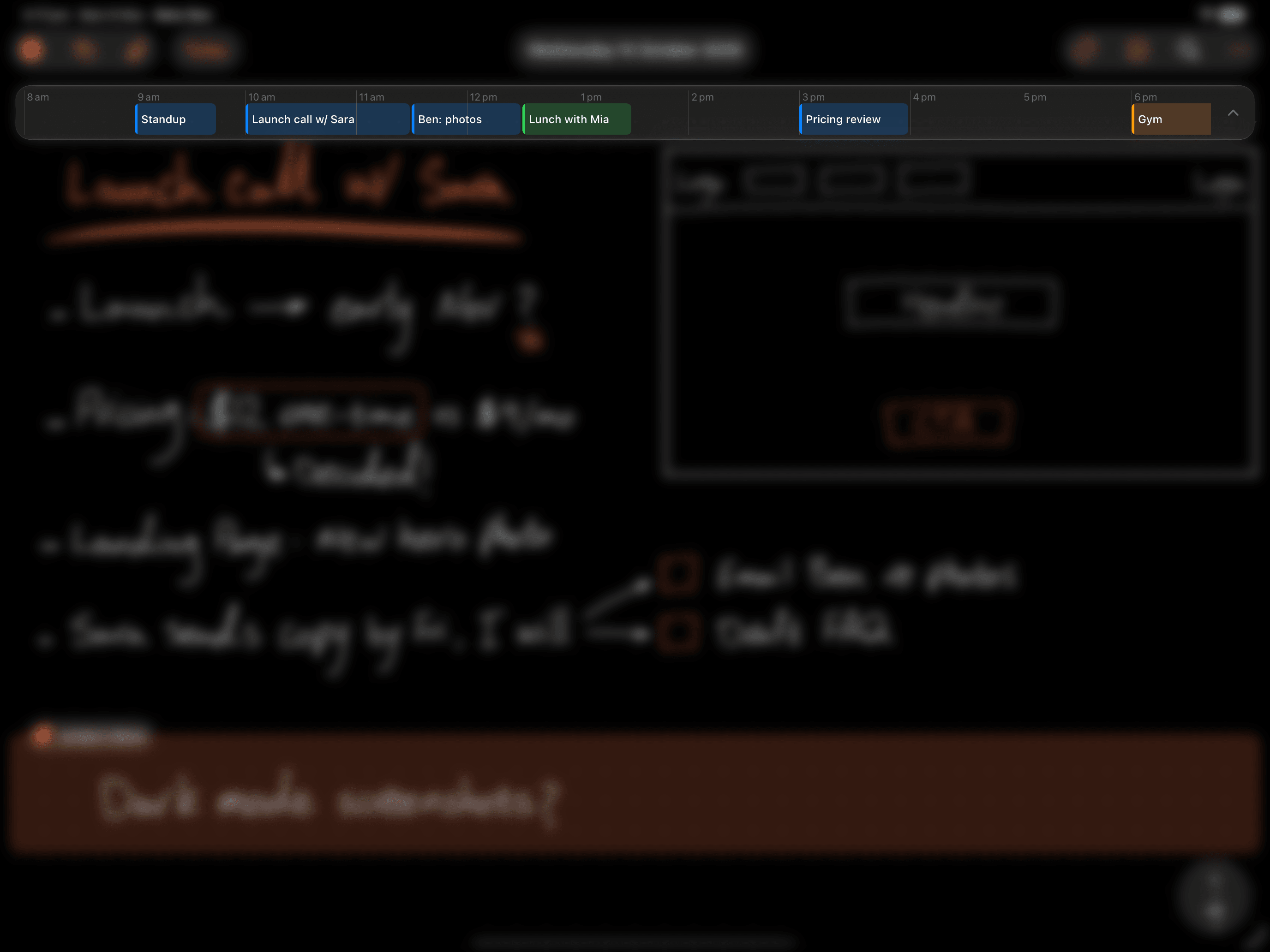
See your calendar's events right on the page, next to what you write. Touch and hold to add or change one, and Apple's own event form opens. Plan the day and write it down without leaving your notebook.
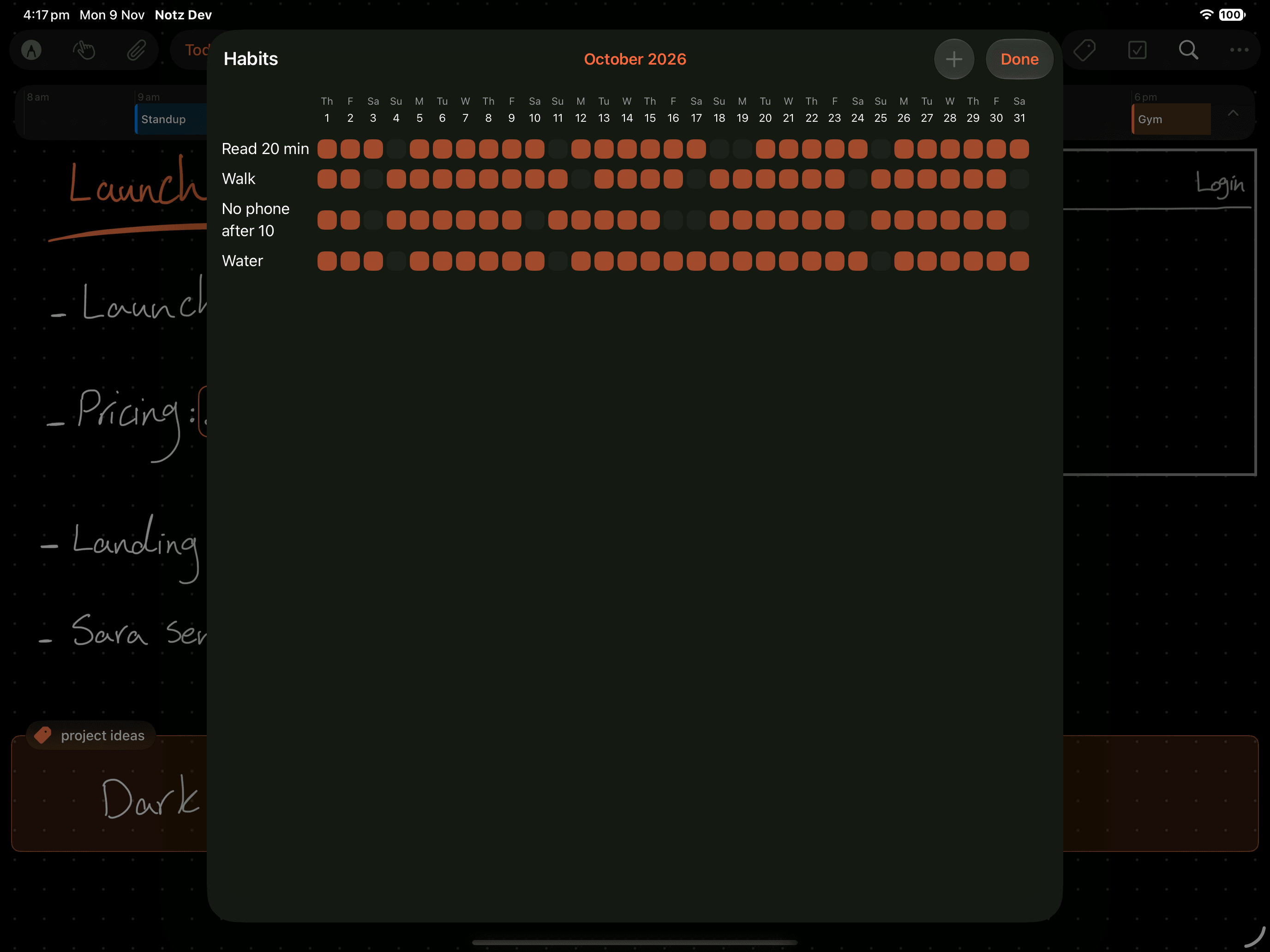
Tick off the habits you're building with a box a day. Small boxes, ticked every day, add up.
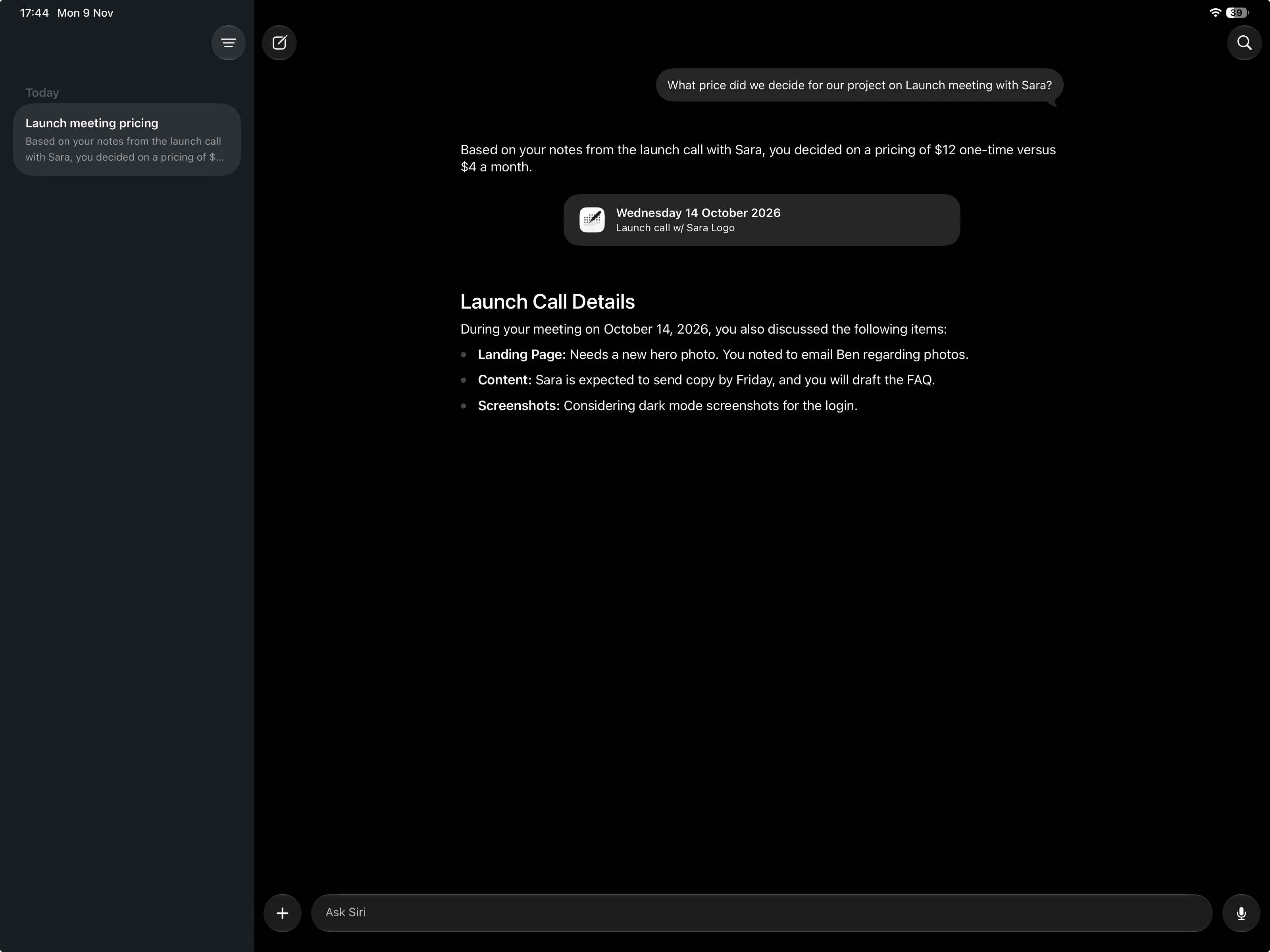
Ask Siri what you wrote about something, or open today's page with your voice. It's off until you turn it on, and the index Siri reads stays on your device.
Asking Siri AI about your notes needs an iPad or iPhone with Apple Intelligence. Siri AI is in beta and not yet available in the EU.
iCloud keeps your notebook, habits and settings in step on all your devices.
Persian, Hebrew, Islamic, Chinese, Japanese, Buddhist and more, with your own first day of the week and weekend days.
Tap the date at the top for a month calendar. Days you wrote on have a dot.
Crop a photo, twist with two fingers to turn it, and pinch to resize. Shapes turn and resize too.
Text boxes with titles, headings, bold, italic, lists and highlight.
Touch and hold the page to paste an image or text.
Drop images onto the page from other apps.
Copy a photo, shape or text box in one go.
Carry anything on a page to another day.
Page colours, backgrounds and six accent colours.
Tap with two fingers to undo, and with three to redo.
A black page for late-night writing.
Privacy
What you write is personal. Notz keeps it on your devices and in your own private iCloud, and we never see it.
Read the Notz privacy policyNo Keino server, no accounts, no ads, no analytics.
Your notes sync only through your own private iCloud, which we can't access.
Calendar events are shown, never stored, and photos are stripped of all metadata.
The search index Siri uses stays on your device, and turning it off removes it.
Pricing
Free during the public beta. At launch, Notz is free to download, with a one-time Notz Pro unlock. No subscription.
Our promise
Buy once and keep it. Everything in Notz 1.x is included. If we ever make a big new paid feature, it'll be optional, and nothing you bought will ever be taken away. Your notes are always yours to read.
Requirements
iPad or iPhone on iPadOS 27 or iOS 27 or later
Any iPad or iPhone that runs them, including iPhone Duo.
Apple Pencil
On iPad, Notz is made for writing with Apple Pencil. On iPhone, or with no Pencil to hand, write with your finger or type in text boxes.
iCloud (optional)
Sync needs iCloud turned on for Notz. Your notebook uses your iCloud storage.
English
Notz is in English for now.
Apple Intelligence (optional)
Only needed to ask Siri AI about your notes, on an iPad or iPhone with Apple Intelligence.
FAQ
No. On iPad, Notz is made for Apple Pencil, but you can write with your finger, or type in text boxes. On iPhone, you write with your finger.
On your device. When iCloud is on, they also sync through your own private iCloud. They're included in your device backups too.
Yes. Your notebook, habits and settings sync across your iPad and iPhone through your own private iCloud. It follows the iCloud switch for Notz in your device's Settings.
Stay in the loop
One email when Notz is on the App Store. Nothing else.
Made with care by Keino.
See what else we build